3-4: Data Types in Visual Basic (continued)
Whenever the program fails a run-time exception message will appear. Probably it will be one or the other as shown in Figure 3-10. The exceptions will have something to do with converting the entry in a textbox from a string to a Double value.
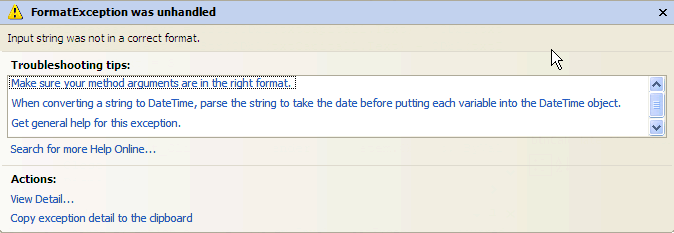
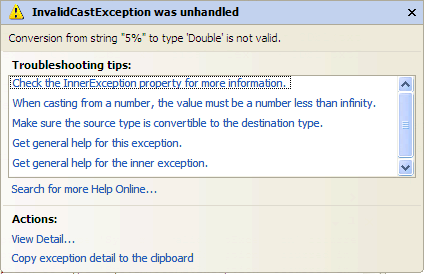
Don't try to correct the errors. In this exercise, you should just explore the various help options available to you. After doing this you should simply choose Stop Debugging from the Debug menu.
This exploration shows you that Visual Basic is able to coerce many values to the double data type by using either the System.Convert.toDouble method or the CDbl function. The Cdbl function is more flexible than the System.Convert.toDouble method. Did you discover that? However, not all values can be coerced, and the program would benefit from some approach that checked the user input before trying to convert string values to double, thereby preventing the run-time errors that you encountered. If the string value could not be converted a brief message should appear asking the user to enter valid data.
We'll return to this exercise later to improve upon it.