4-3: If Statements
Exercise 4-2: Number Guessing Game (continued ...)
But first lets learn how to choose a random value! When the program first starts, and again when the Play Again button is pressed, a random integer between 1 and 100 must be chosen. Most programming languages have a means of generating random numbers. In Visual Basic there is a class, the Random class, that can be used to generate random numbers.
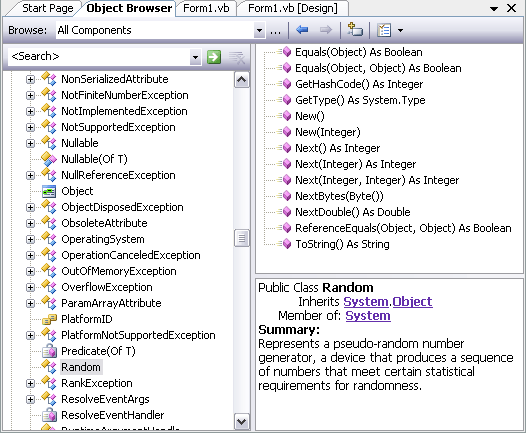
Examine this class in the Object Browser. It can be found in the System namespace, and is shown in Figure 4-4. Note that it has methods such as Next and NextDouble which seem to be what we will need in order to generate random numbers. Read the information provided about these methods.
To use the class we first have to create an object of the class, referring to this object by a name that we choose and declare as a variable. The variable type will not be Integer or Double, etc., such as we have used before but rather the type will be Random. I.e. classes can define the datatype of variables. Such variables are called object variables because they name objects rather than "primitive" data types such as Integer or Double.